PocketPrice Socials
Your booth's social posts, done every Monday.
PocketPrice turns the photos you already take for pricing into a week of ready-to-post content, in your style, with your prices and booth number.
Free to start. No card needed.
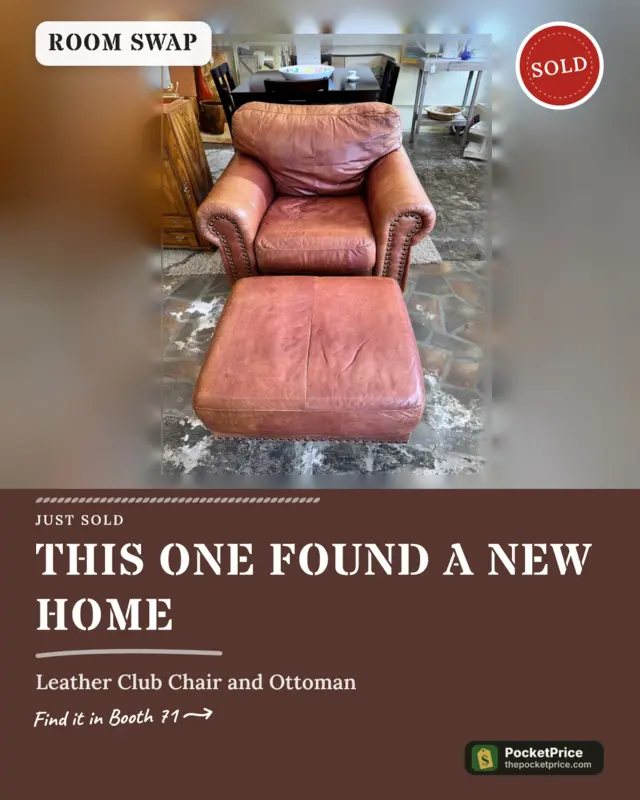
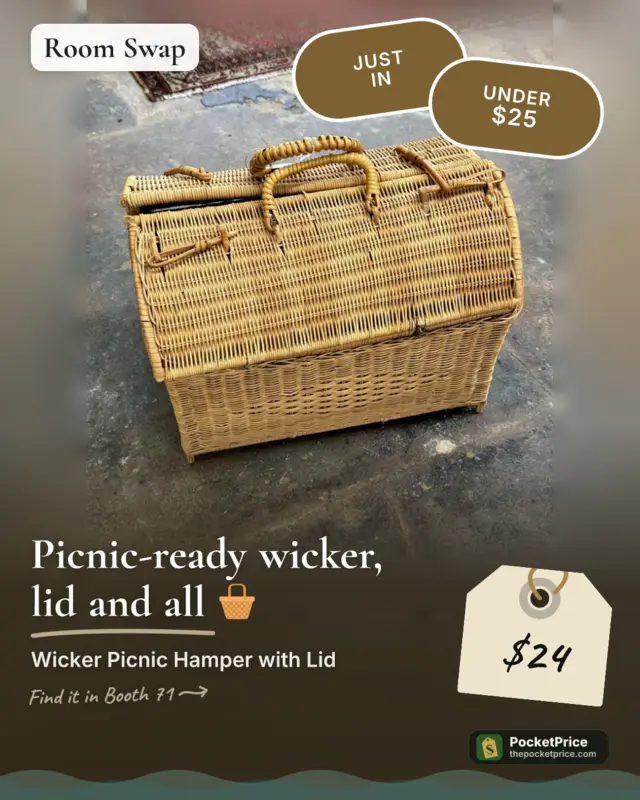
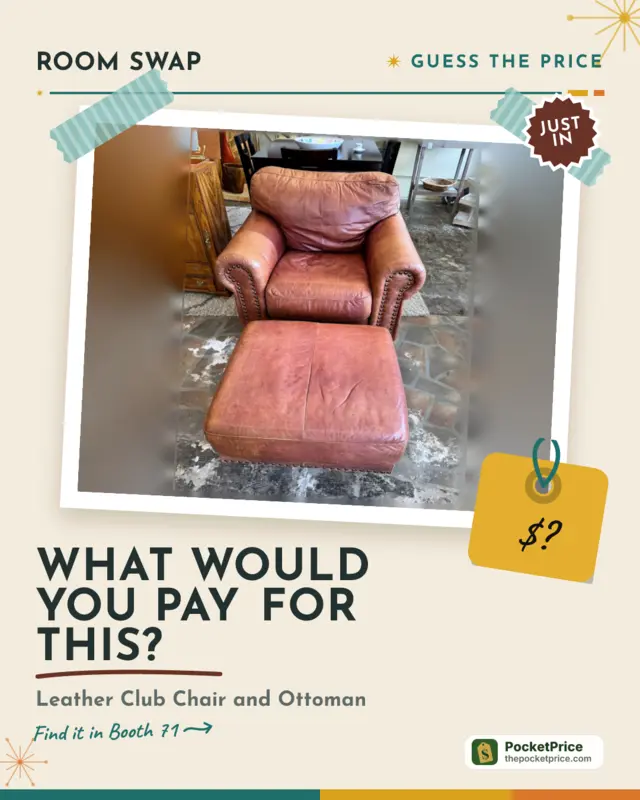
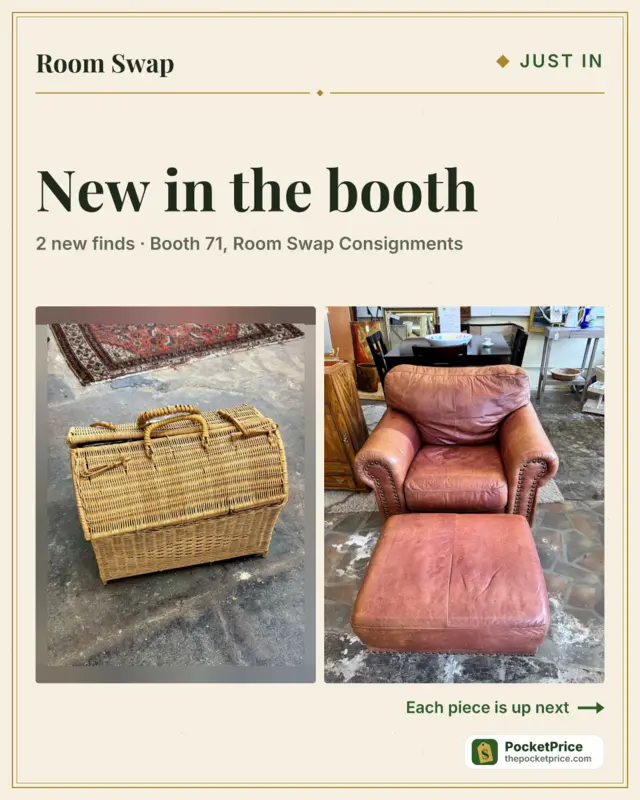
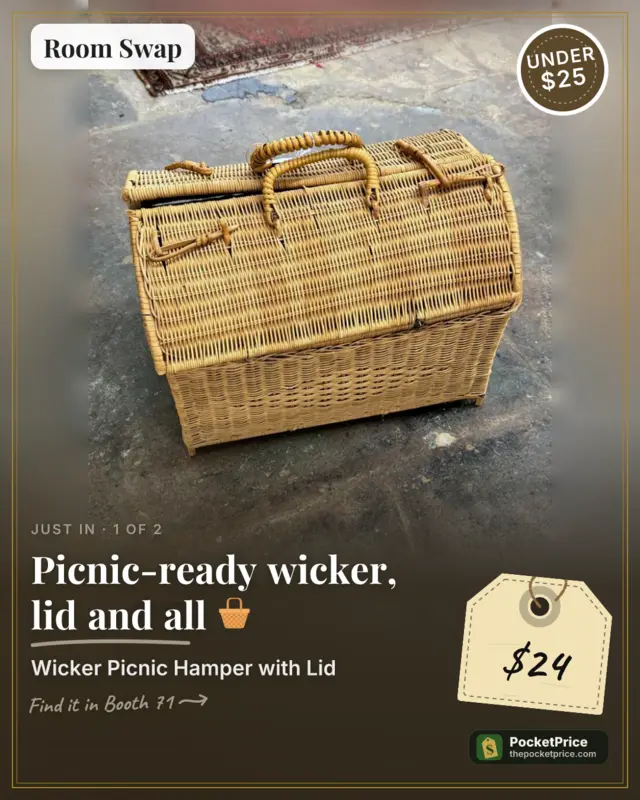
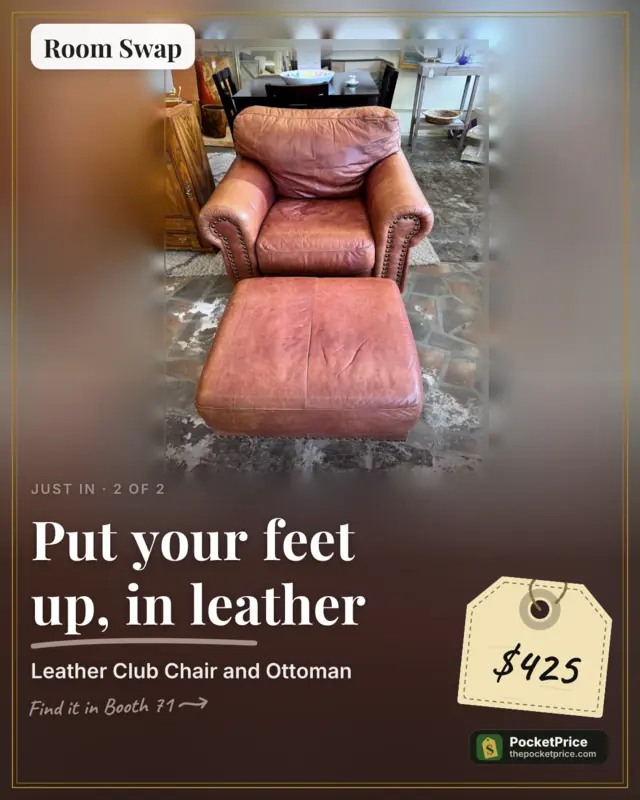
New in the booth · swipe →
How it works
Step 1
Snap and price your items like always
Step 2
Every Monday, your posts are ready
Step 3
Tap share and post to Facebook or Instagram
New
Posts people stop scrolling for
Snap it on the shelf like always. Socials turns your phone photo into a post that looks like you styled it.
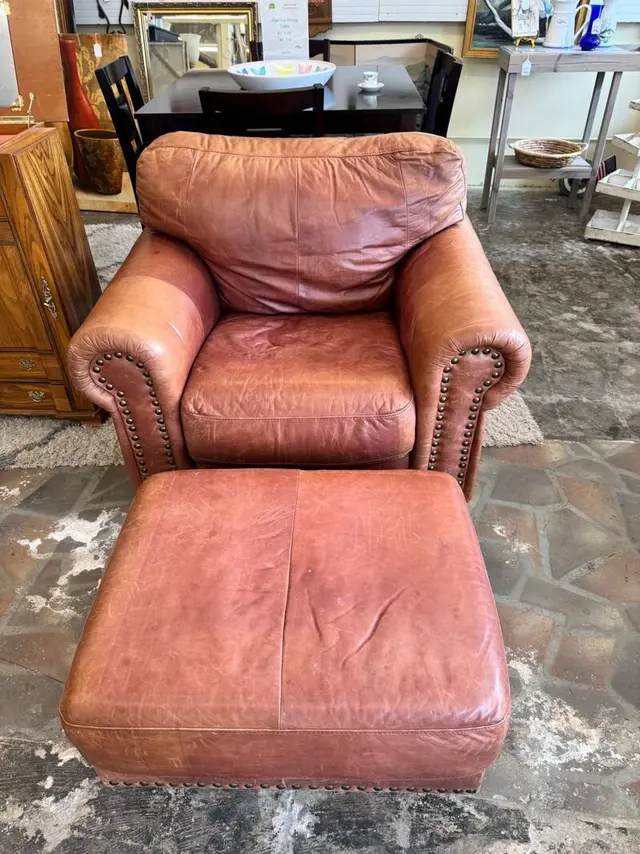
Your phone photo
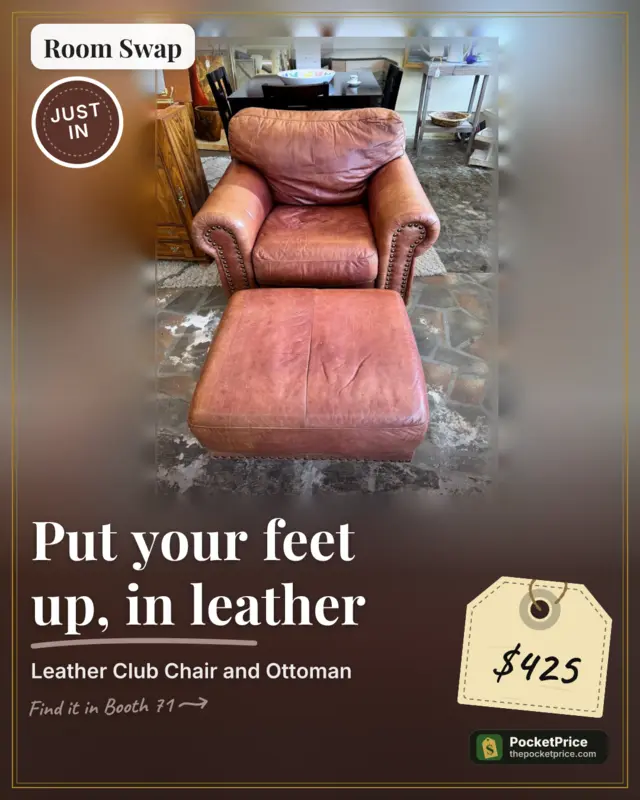
Your post
Your photo, front and center
Your item fills the post. The clutter behind it fades into a soft blur, and your item is never cut off.
A headline that grabs
A short line from real facts about your item, like “Put your feet up, in leather.” Change it any time.
A real price tag
Your price, hand-lettered on a tag with string, styled to match your look.
Your item’s own colors
Each post picks up colors from the item in it.
Stickers only when true
Just in, Under $25, Designer find, Vintage, Sold. Never made up.
Hand-made touches
A strip of tape, a slight tilt, and a note that says where your booth is.
Examples made with Socials
Real posts made by Socials from a demo booth's own photos. Tap a style to see the same posts restyled.
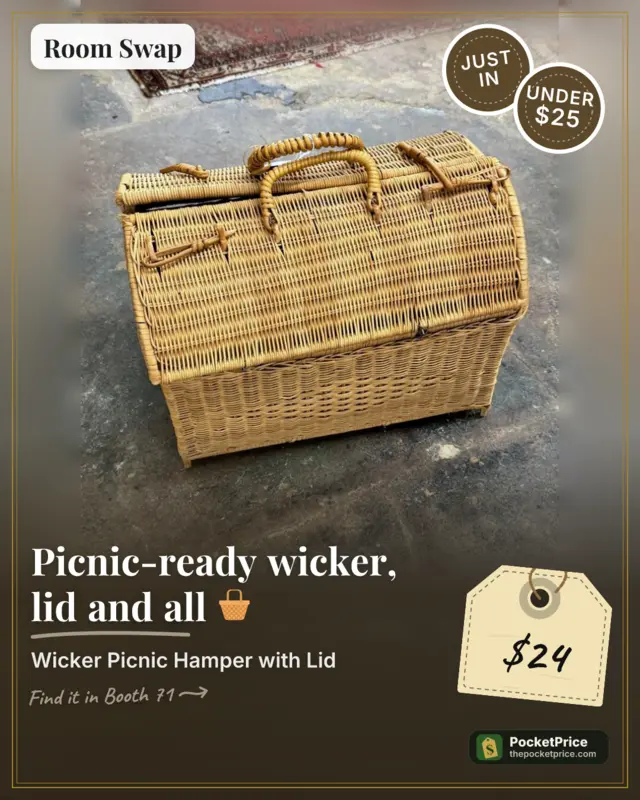
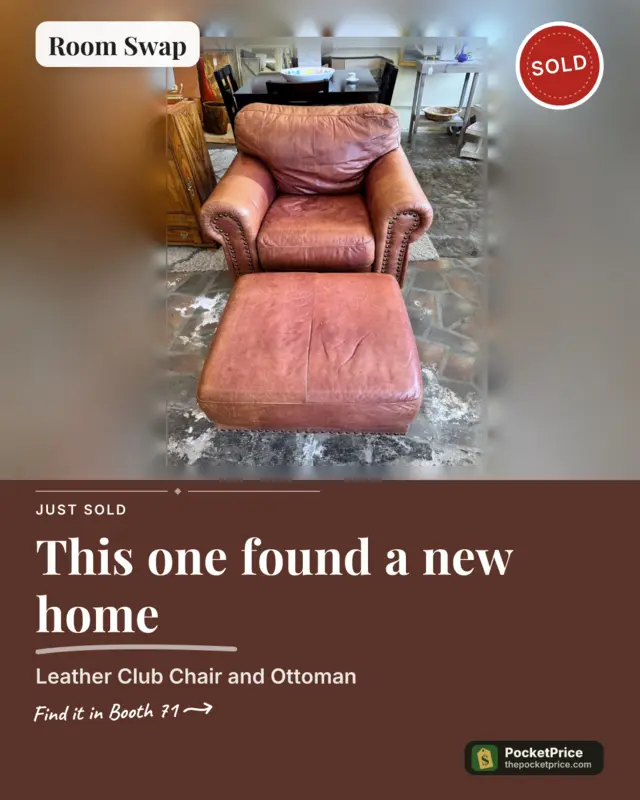
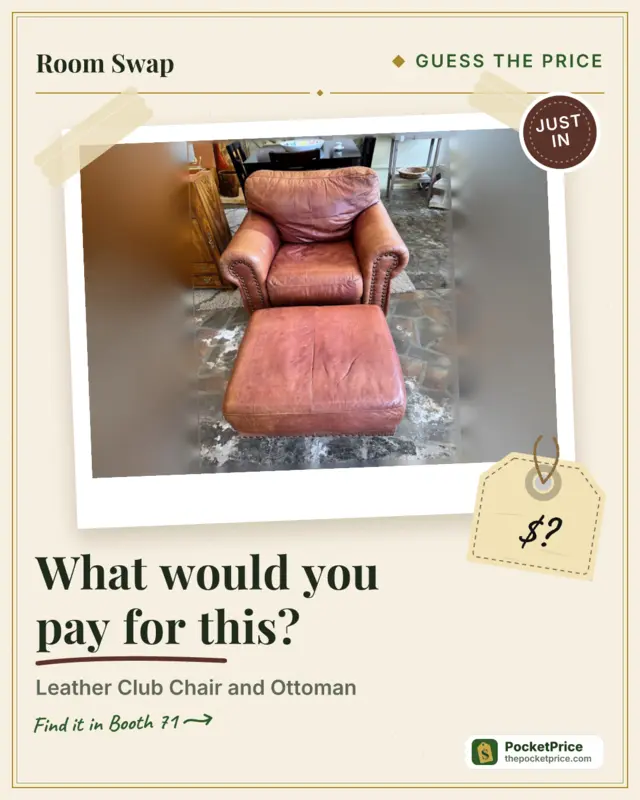
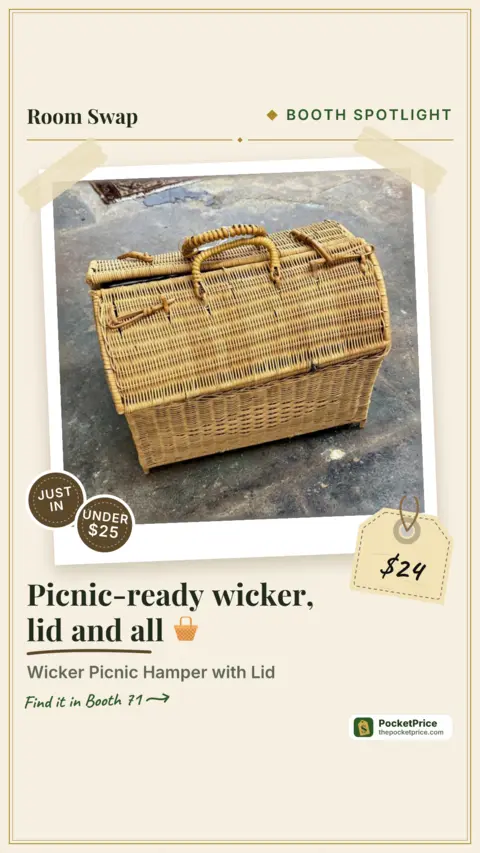
Examples from a demo booth. Yours use your own items, prices and booth number.
Why it's different
It knows your booth
Your items, prices and booth number are already on every post.
Real sales, real photos
“Just sold” posts come from what actually sold. No fake photos.
Sounds like you
It learns your voice from your own posts and your edits.
Your brand
Your logo, colors and style.
Knows what’s selling near you
Posts built around local trends, using your own items.
Posts on every plan
Socials comes with your PocketPrice plan, the free one included.
| Plan | Posts a week | My Brand, all styles, Create | PocketPrice badge |
|---|---|---|---|
| Free $0 | 1 | — | Always on |
| Hustler $4.99/mo | 2 | — | Always on |
| Picker $9.99/mo | 3 | Included | Optional |
| Vendor $24.99/mo | 7 | Included | Optional |
| Pro $49.99/mo | 21 | Included | Optional |
- My Brand, every style and Create (make a post any time) start at Picker.
- Free and Hustler posts include a small PocketPrice badge. On Picker and up you can turn it off.
- Need more in a week? On any paid plan, extra posts can use your lookups: 1 lookup a post, and you're always asked first.
Questions
- Do you post for me?
- Not yet. You tap share and post it yourself, so it works with personal profiles, Pages and groups.
- Can I edit the posts?
- Yes. Change the caption, the hashtags, the style or the size before you share. Editing is free, and your edits teach the next captions to sound more like you.
- Do you use AI images?
- No. Only your real photos.
- Do you change my photos?
- Only lightly. We brighten them a touch and soften the busy background behind your item so it stands out. Your item itself is never changed or cut off.
- Is my info shared?
- Only what you choose to post. We never use another vendor’s items.
- Does it work on iPhone?
- Yes. Socials is in the PocketPrice app for iPhone and iPad, and on the website on any phone or computer. Get the app on the App Store.
Spend your time picking, not posting.
Start free. Turn Socials on, add an item with a photo and a price, and your first post is made for you.
Get the iPhone & iPad app on the App StoreTry it free
You agree to ourTermsandPrivacy Policy
Built by a vendor, for vendors.